Need help?
Read troubleshooting guidance or contact NestFiles support.
Open SupportNestFiles helps you find exact duplicates, review planned changes, organize selected folders, use reversible quarantine, and restore supported operations.
Scan a selected folder, review exact duplicates, and choose the next step before NestFiles changes anything.
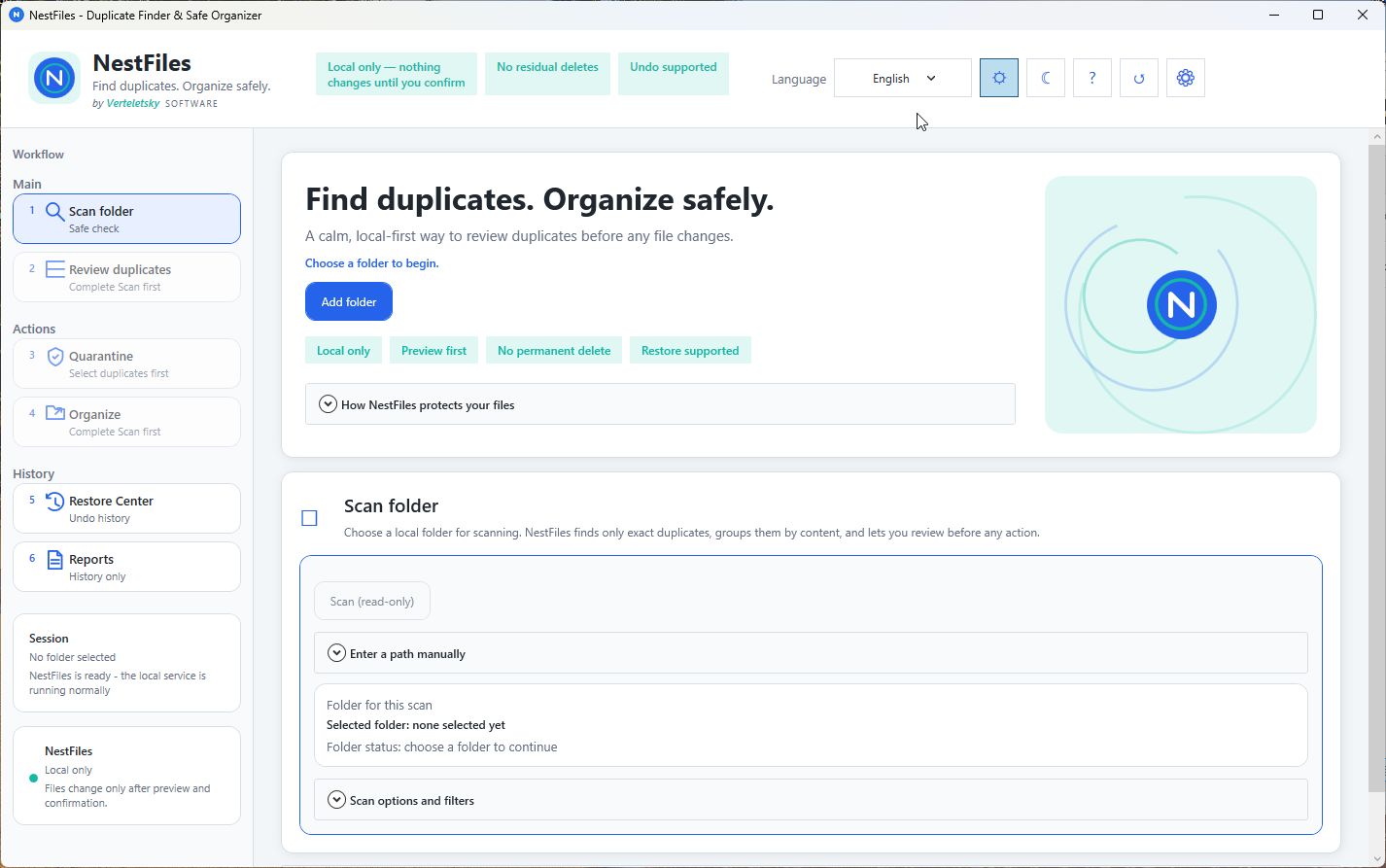
Selected file information is processed locally on your Windows device. No user account is required.
Pick one folder. NestFiles scans read-only and changes nothing yet.
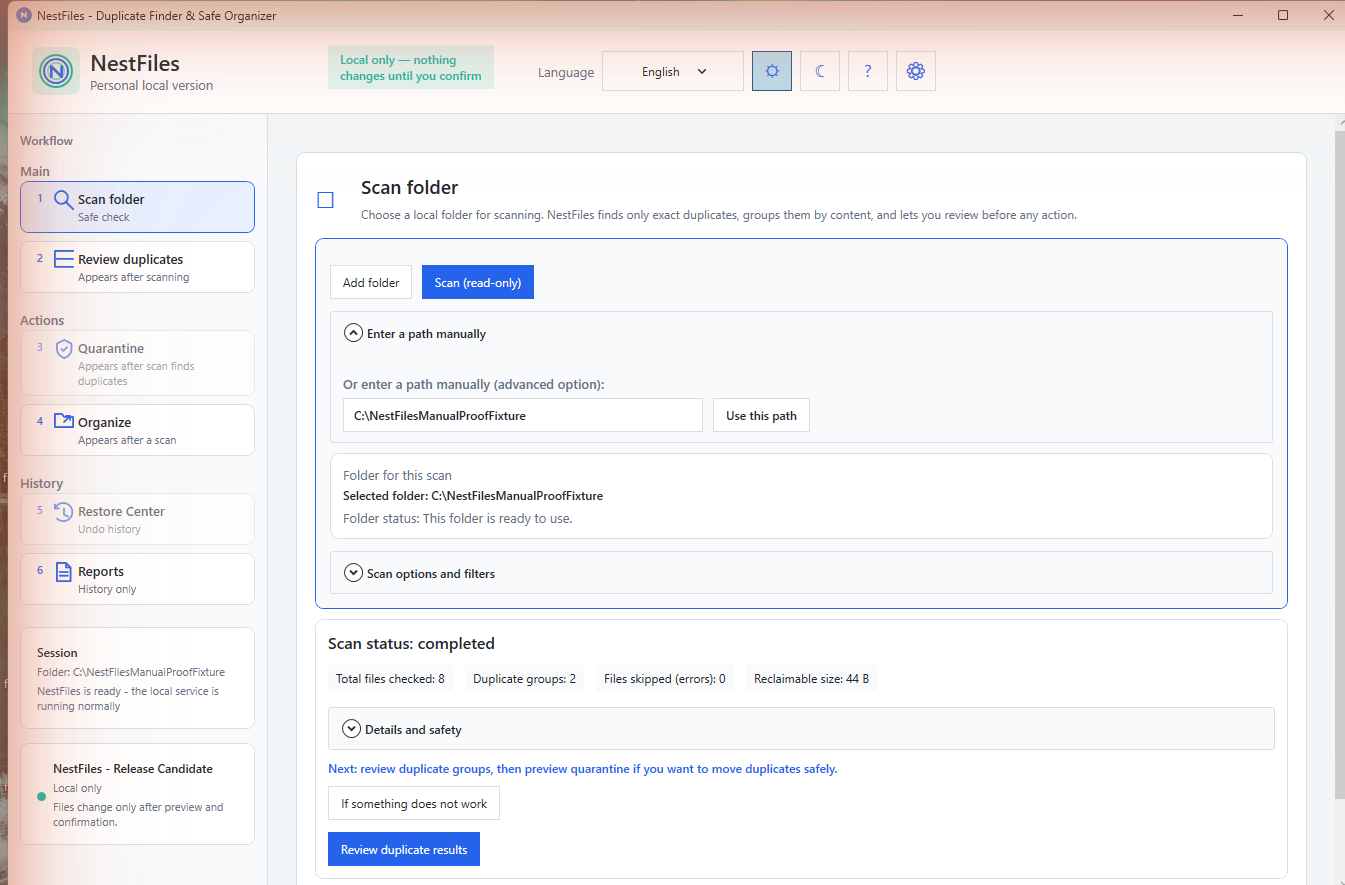
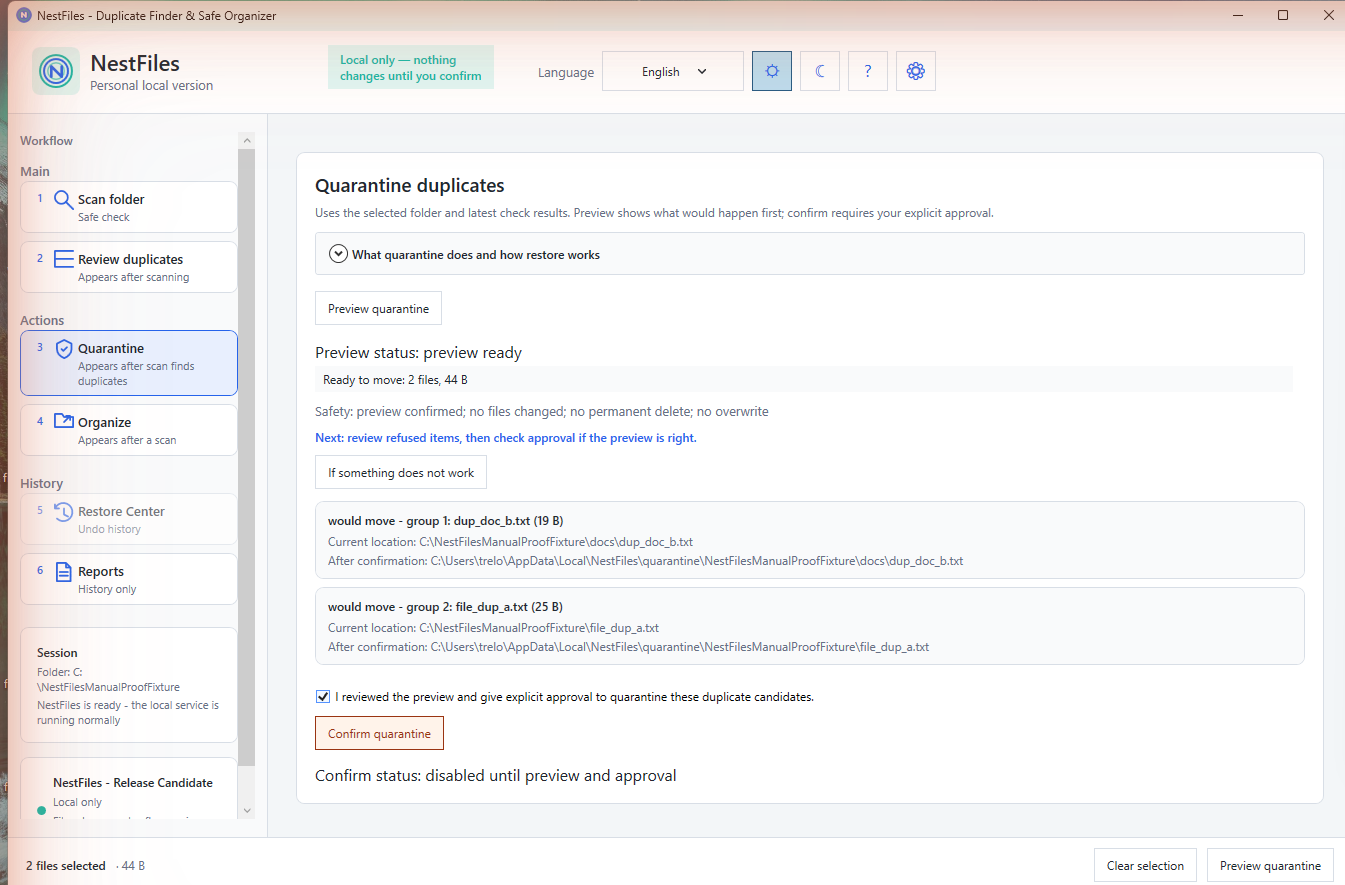
Move exact duplicates to reversible quarantine instead of deleting.
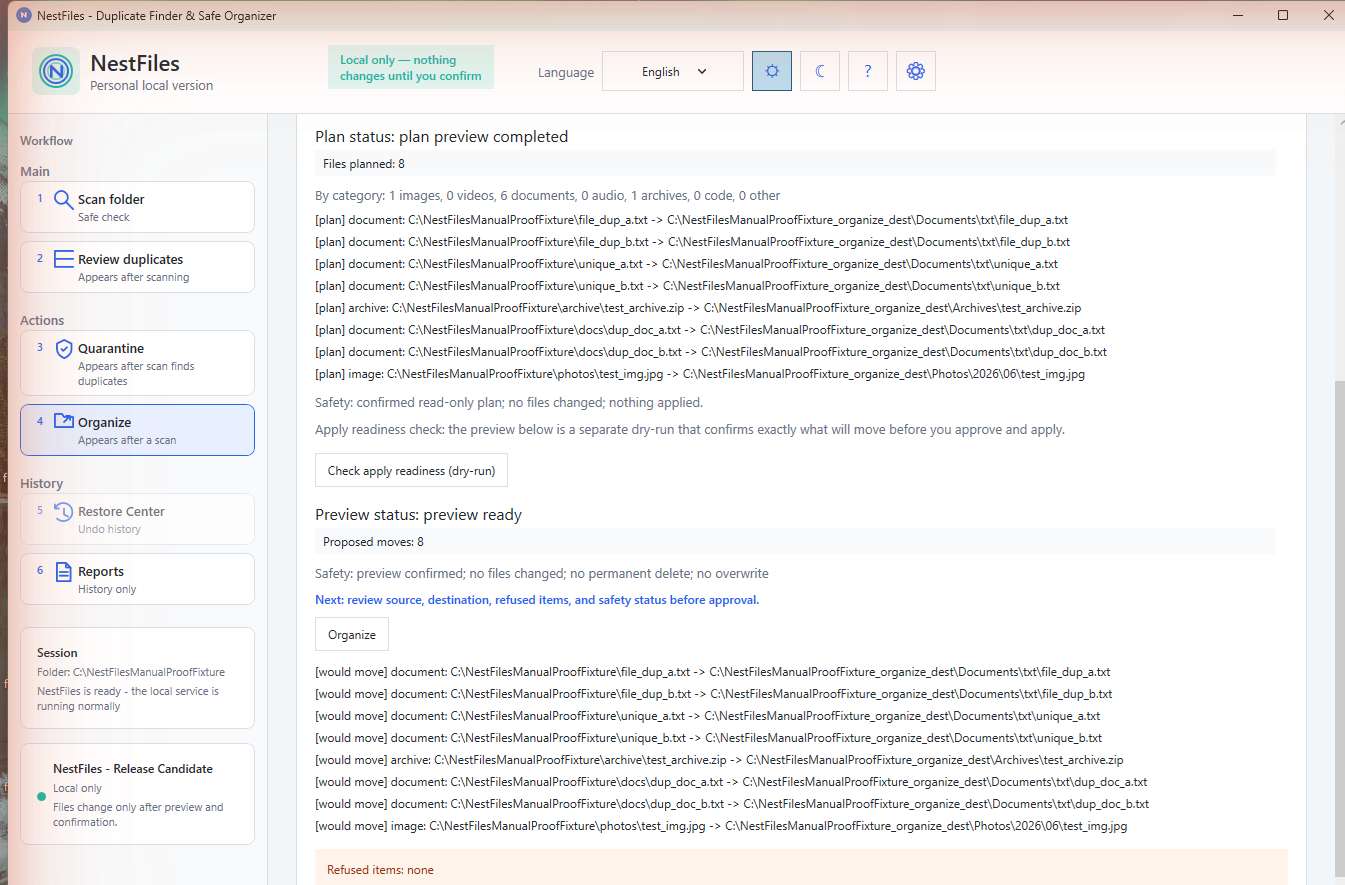
Sort what's left into place without overwriting anything.
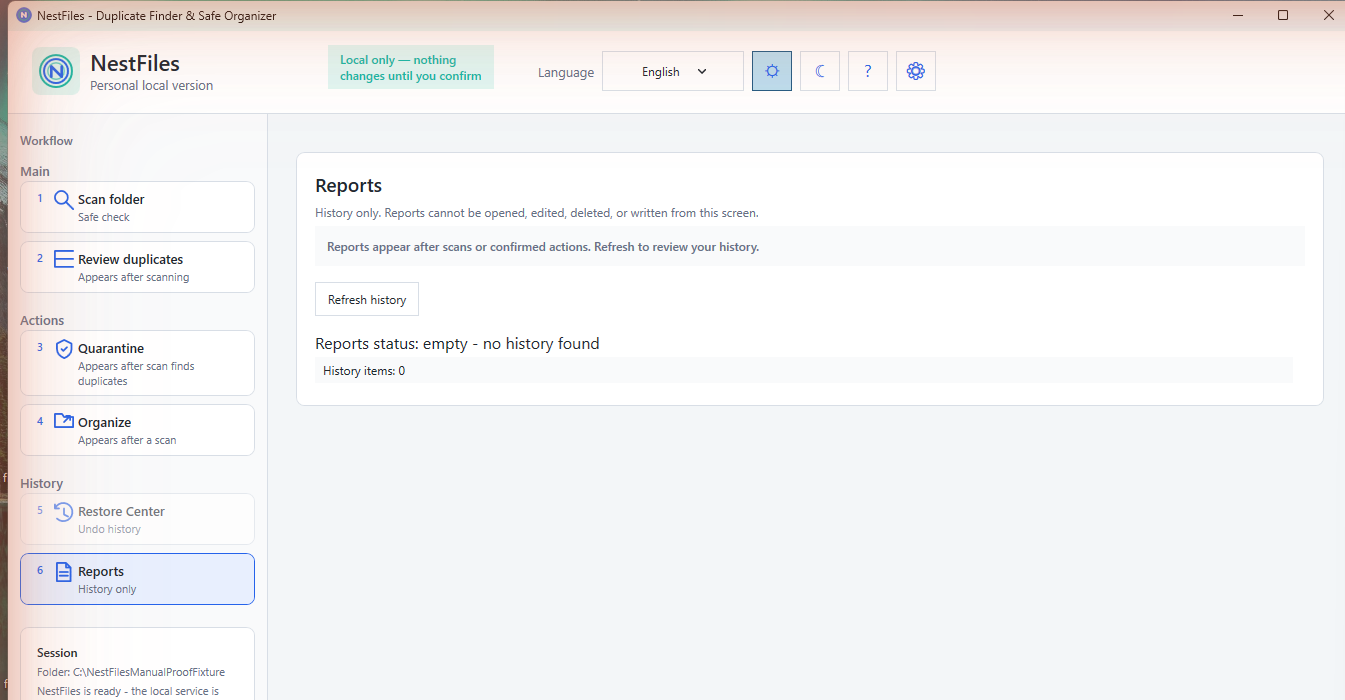
Undo supported operations from local recovery records.
Before NestFiles moves, quarantines, or reorganizes a single file, it shows you exactly what it's about to do — which files it considers duplicates, which copy it recommends keeping, and where everything would end up. Nothing changes until you look at that list and confirm it. If something looks wrong, you close the preview and nothing happened.
Every quarantine and organize action NestFiles performs is recorded in a local manifest — a record of exactly what moved, from where, to where. The Restore Center reads that manifest to undo a completed operation, moving files back to their original location. Nothing is deleted outright, so a change you made yesterday is still recoverable today.
Most duplicate finders are optimized for one thing: finding matches fast. NestFiles optimizes for a different moment — the seconds right before and after you act on those matches. We've published an honest, numbers-included comparison against Czkawka, including where NestFiles is slower.
Read the full comparison See why we built it this wayNo public reviews yet — approved reviews will appear here.
NestFiles launches at €9.99 for the first 7 days, then moves to €14.49. It’s a one-time purchase — no subscription.
No. Scanning, duplicate detection, and file operations run entirely offline on your device.
Any file type can be scanned — NestFiles compares file content to find exact duplicates regardless of format.
No. NestFiles blocks protected Windows and system locations and never overwrites existing files.
Read troubleshooting guidance or contact NestFiles support.
Open SupportLearn what NestFiles processes locally and how your information is handled.
Read Privacy Policy