See how it compares
Curious how this stacks up against Czkawka or dupeGuru? We wrote an honest comparison, including where NestFiles is slower.
Read the comparisonNestFiles is a Windows utility for one specific job: finding files that are genuinely identical, and letting you act on them without risking anything you didn't mean to touch. This page walks through the parts that make that possible.
Scan, review, and recover — each stage has its own screen so you always know what NestFiles is about to do before it does it.
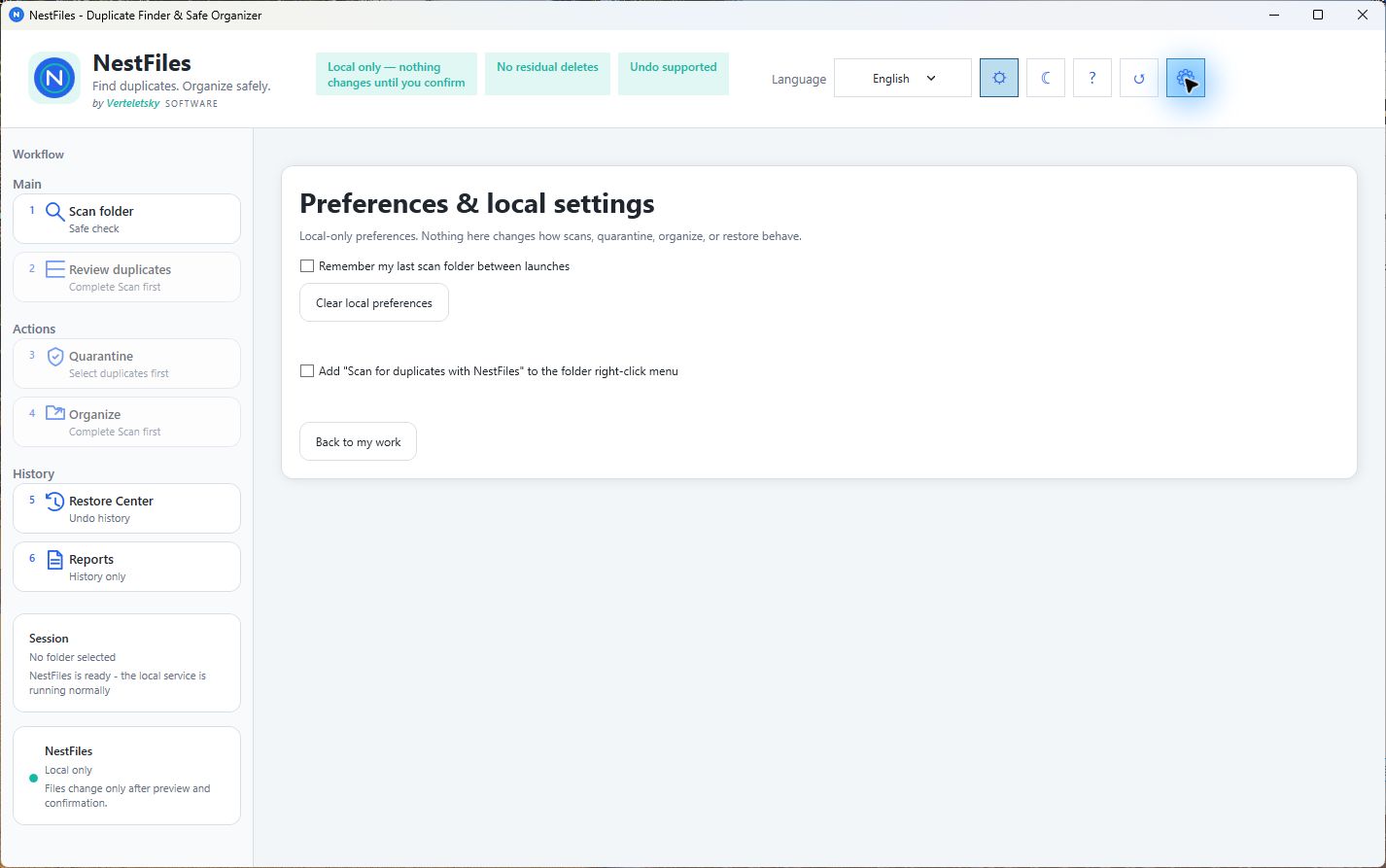
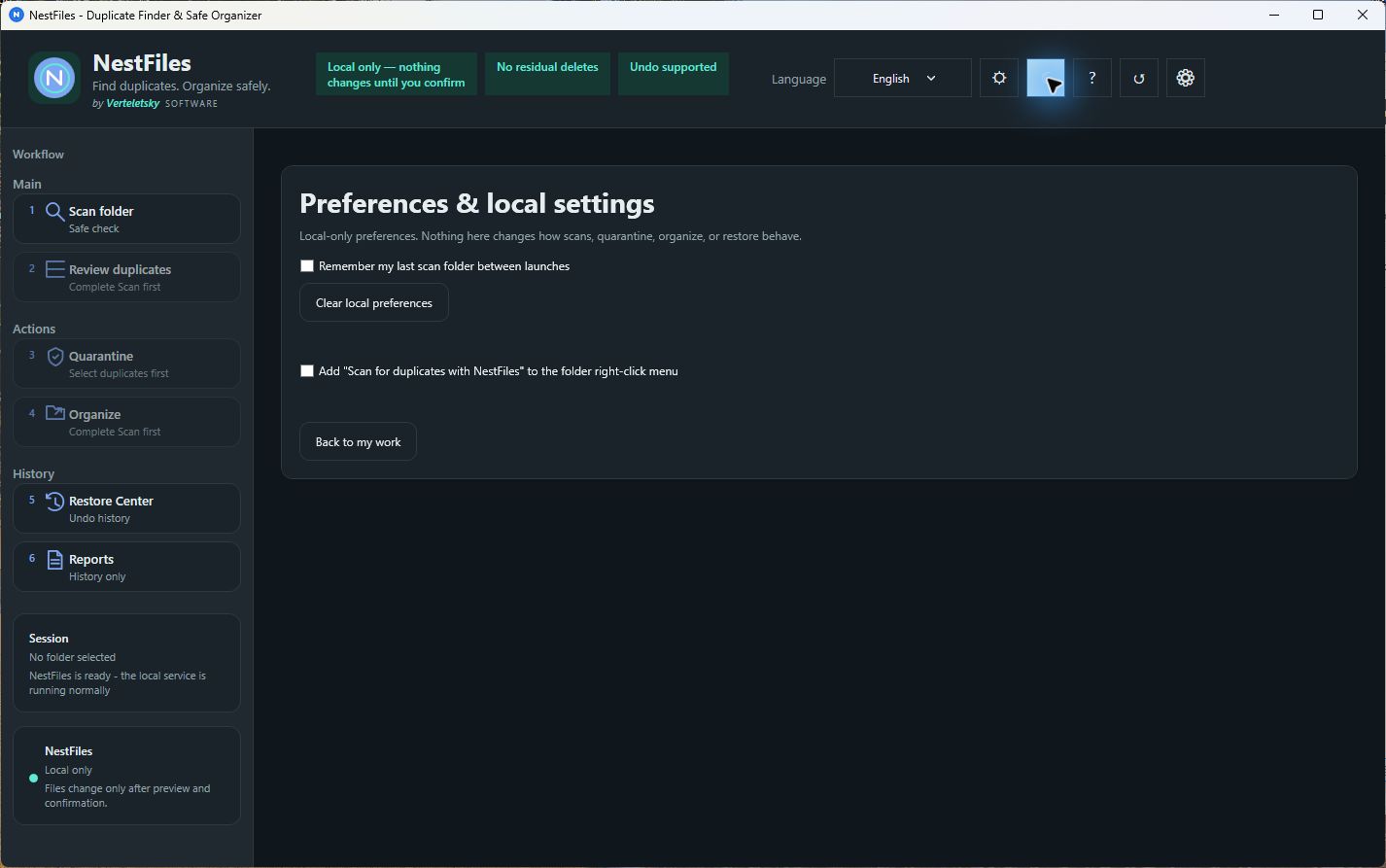
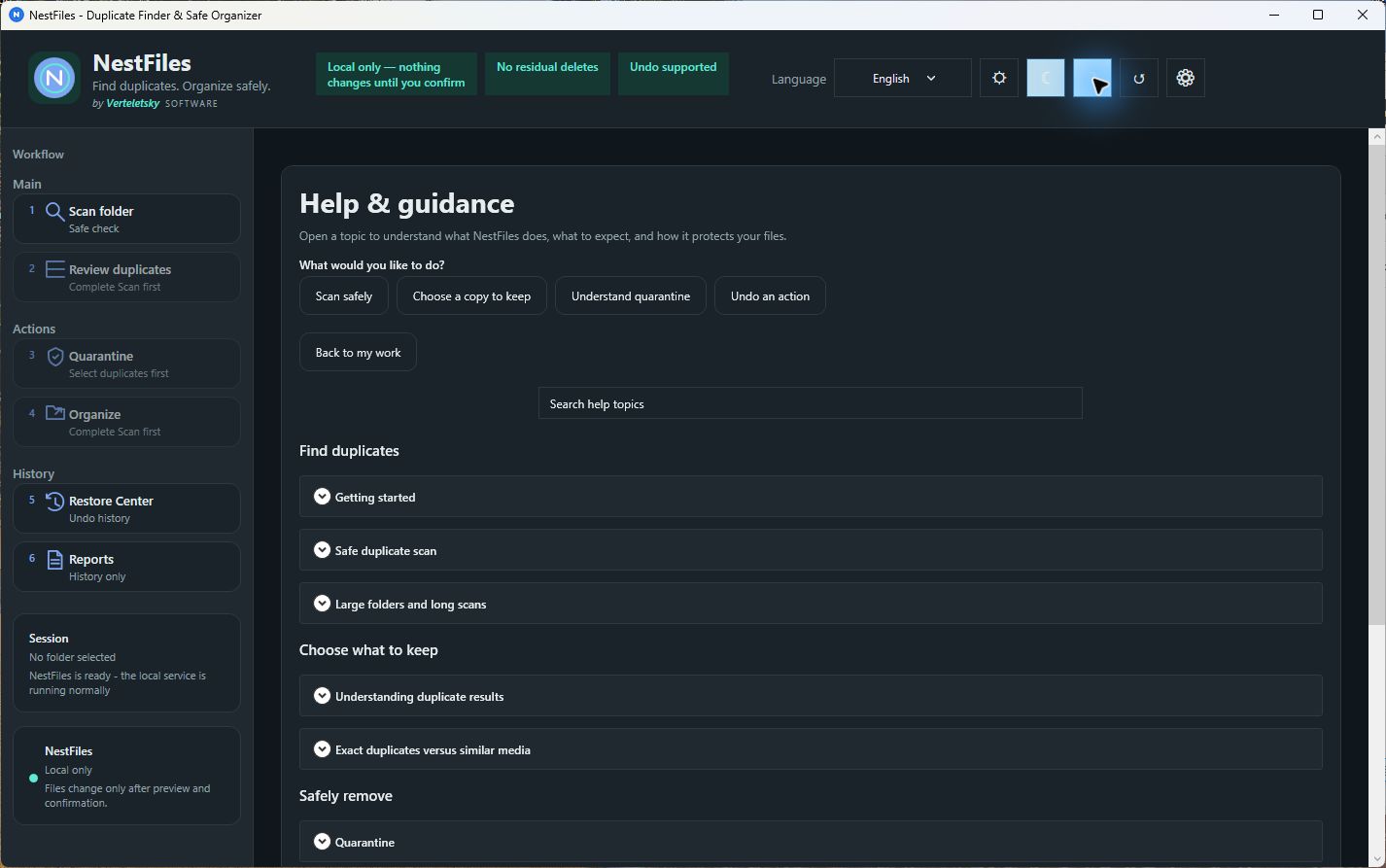
NestFiles compares file content directly to find true duplicates — not just files with matching names or extensions. That means a photo renamed twice, or a document saved into two different folders, still gets caught. It also means files that merely look similar but differ in content are left alone, so you're never asked to trust a fuzzy match.
Every scan is read-only. NestFiles shows you exactly which files it considers duplicates and what it proposes to do with them before any change is made. You choose what to move, and nothing is ever overwritten — if a destination already holds a file with the same name, NestFiles stops rather than replacing it.
Rather than deleting duplicates outright, NestFiles moves them into a local quarantine. If you change your mind, supported operations can be restored from local recovery records in the Restore Center — the safety net most duplicate finders skip.
File names, paths, hashes, and content never leave your device. NestFiles has no cloud sync, no account requirement, and no third-party analytics — scanning and organizing run entirely offline. Protected Windows and system locations are blocked outright, so NestFiles can't be pointed at folders it shouldn't touch.
Not every duplicate is byte-for-byte identical — a resized photo, a re-encoded song, or a trimmed video clip can still be the same content in spirit. NestFiles has a separate opt-in mode that reviews these near-matches using perceptual image comparison, audio fingerprinting, and video keyframe matching. Results here are always for manual review only — nothing from this mode is ever auto-selected, quarantined, or deleted. Exact byte-for-byte matches remain the only thing the regular scan-and-quarantine workflow acts on.
NestFiles can look inside ZIP, 7z, and RAR archives to find exact-match entries without extracting them to your disk first. It's a read-only inspection — useful for understanding what's duplicated inside a backup or download folder full of archives — and doesn't offer quarantine or delete actions on what it finds inside.
Curious how this stacks up against Czkawka or dupeGuru? We wrote an honest comparison, including where NestFiles is slower.
Read the comparisonNestFiles is available now on the Microsoft Store. Get it there today.
Go to Download