How NestFiles keeps your files safe
NestFiles is built around one idea: nothing risky should happen without your explicit review. Here's exactly how that's enforced, end to end.
From scan to restore, in six steps
Every operation NestFiles performs follows the same path — nothing skips a step, and nothing happens without your confirmation.
Local-only processing
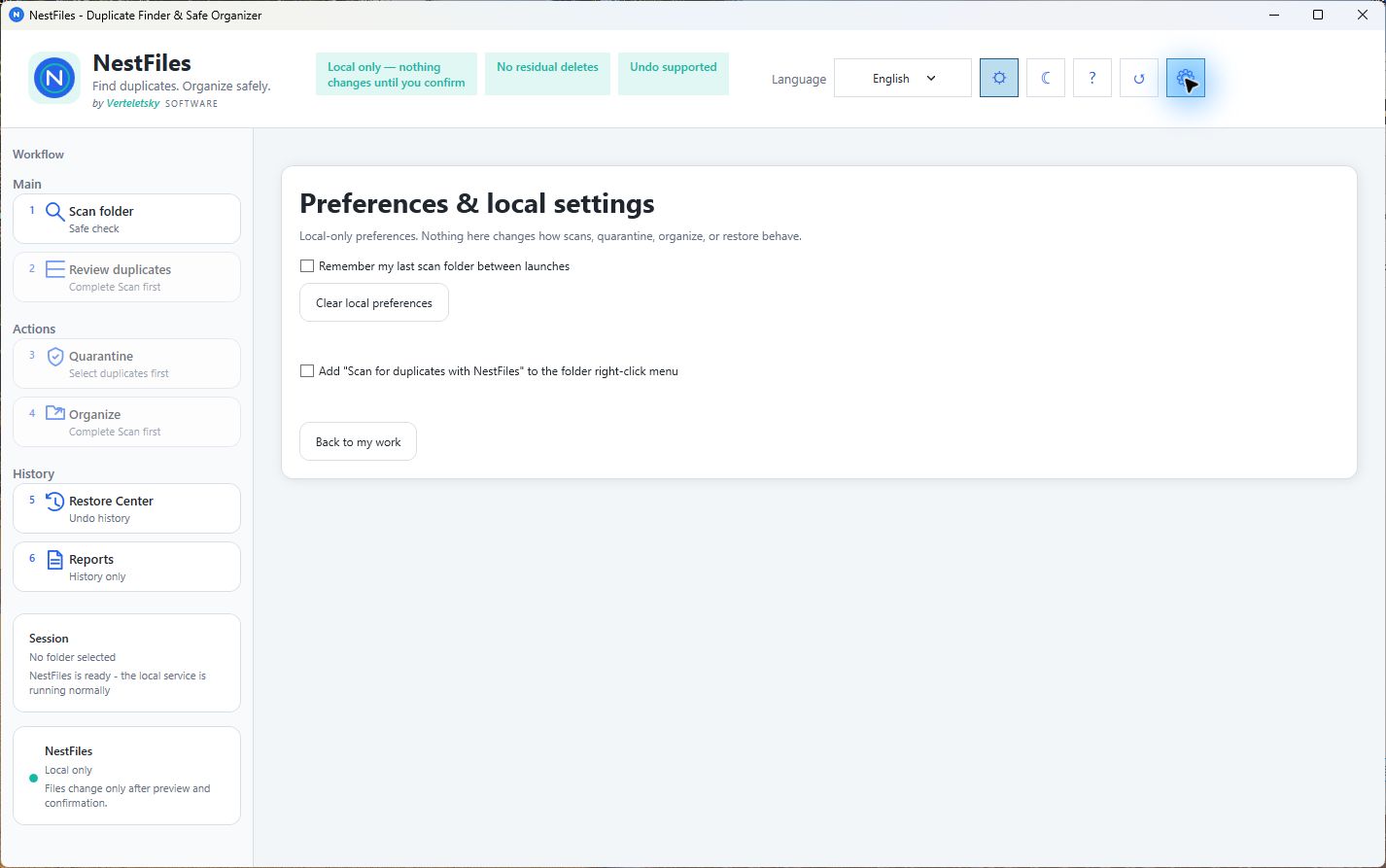
NestFiles scans, hashes, and compares your files entirely on your own PC. There is no cloud upload, no account system, and no telemetry in the application itself — file names, paths, and content never leave your device. Where the app uses networking at all, it's limited to the local loopback address; nothing is sent externally.
Protected locations are blocked outright
Windows system folders and other protected locations are excluded from scanning and cannot be targeted for quarantine or organize actions. This isn't a warning you can dismiss — it's a hard restriction.
No silent overwrites
If a destination already contains a file with the same name, NestFiles stops rather than replacing it. Overwriting an existing file is never an automatic outcome of a scan or organize action.
Reversible by design
Duplicates go to a local, manifest-backed quarantine — not straight to deletion. Every quarantine and organize action is logged, so supported operations can be undone later from the Restore Center.
Verification status
NestFiles just launched on the Microsoft Store. The VirusTotal scan is linked below and came back clean. Microsoft SmartScreen reputation builds automatically over time, as is typical for new Store apps.
Closed source, verified through behavior
NestFiles is closed source by choice. We don't ask you to trust that on faith alone — every claim on this page (local-only processing, no overwrite, reversible quarantine) is enforced in the app's design, and reflected consistently across our Privacy Policy and FAQ.